WiFi Adapter for PC: Price in India and Which Type to Buy in 2026
WiFi adapter prices in India — USB adapters from ₹699, PCIe WiFi 5/6/6E cards with Bluetooth, WiFi 7 for new builds, and how to give any desktop wireless the right way.
17 August 2026 · POWERX Team
Getting a desktop PC onto WiFi costs anywhere from ₹699 to ₹5,199 in India, and the right answer depends on one question: is this a quick fix for one machine, or a proper install you'll live with for years? USB adapters are the quick fix; PCIe cards are the proper install. Here's the map, with honest prices.
WiFi adapter price in India by type
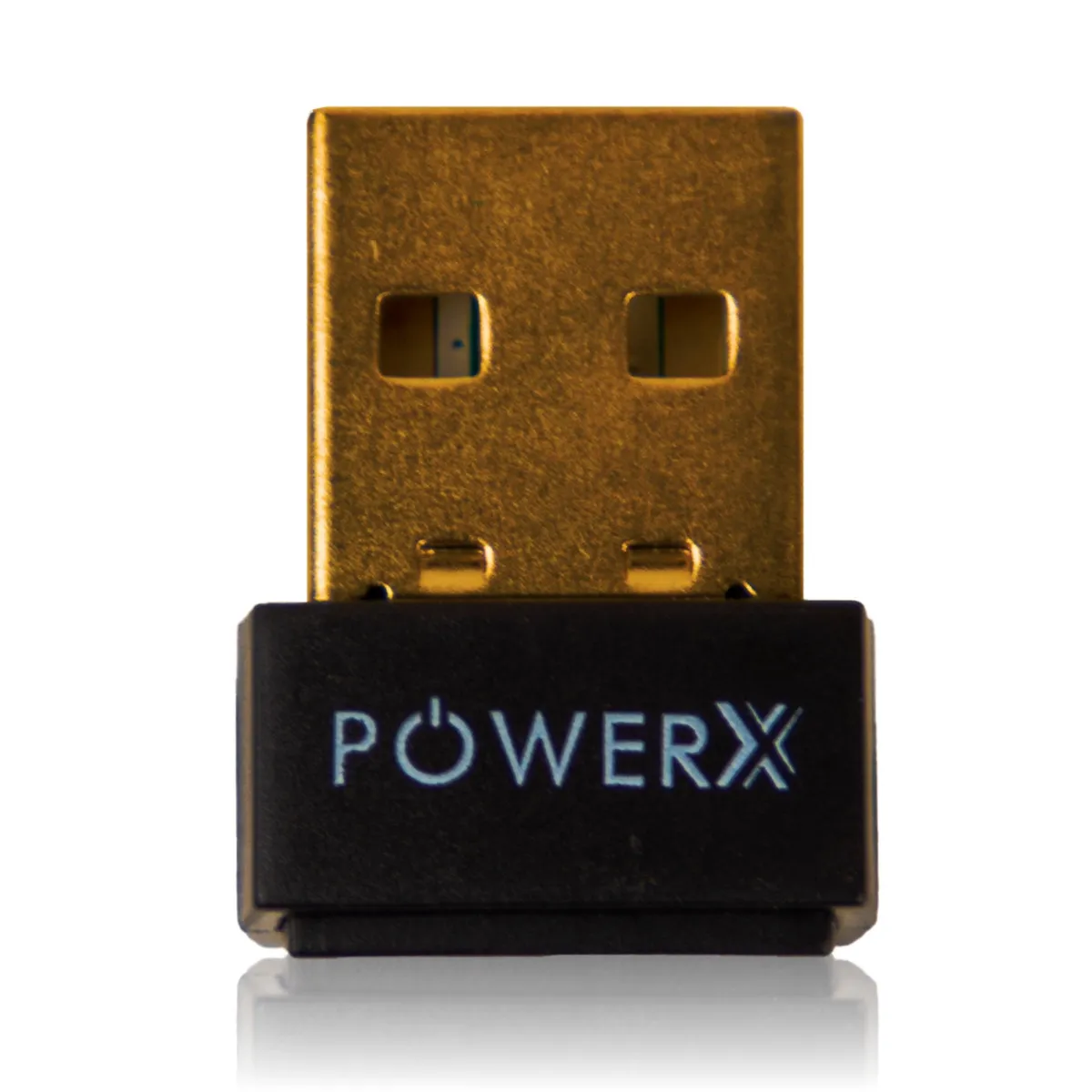
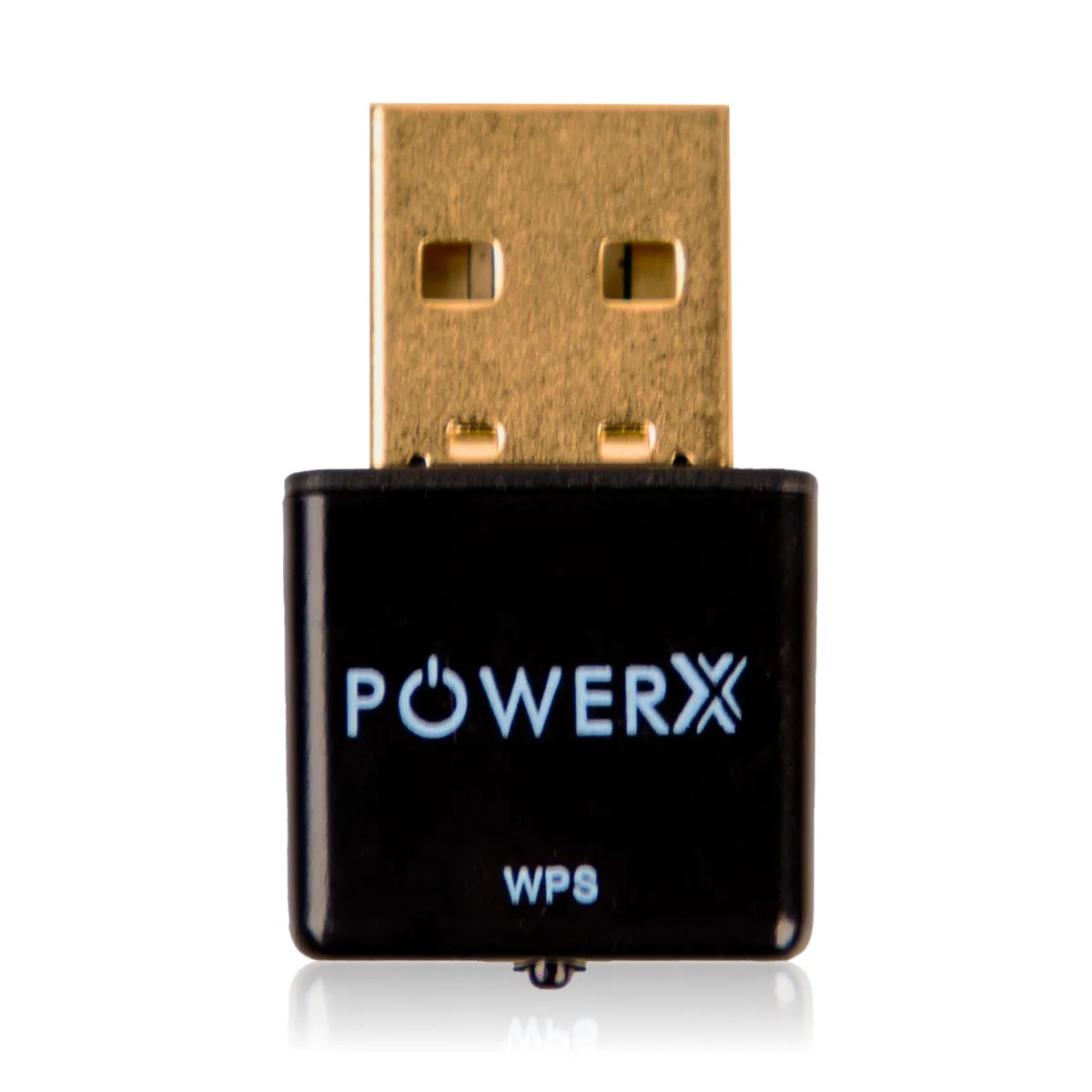
- USB WiFi 150Mbps — ₹699. Plug into any USB port, install the driver, done. Right for billing desks, browsing PCs and getting an old tower online today. Speed is honest for broadband up to ~100Mbps plans.
- USB WiFi 300Mbps — ₹899. The same convenience with more headroom — the sensible USB pick for most home broadband connections in 2026.
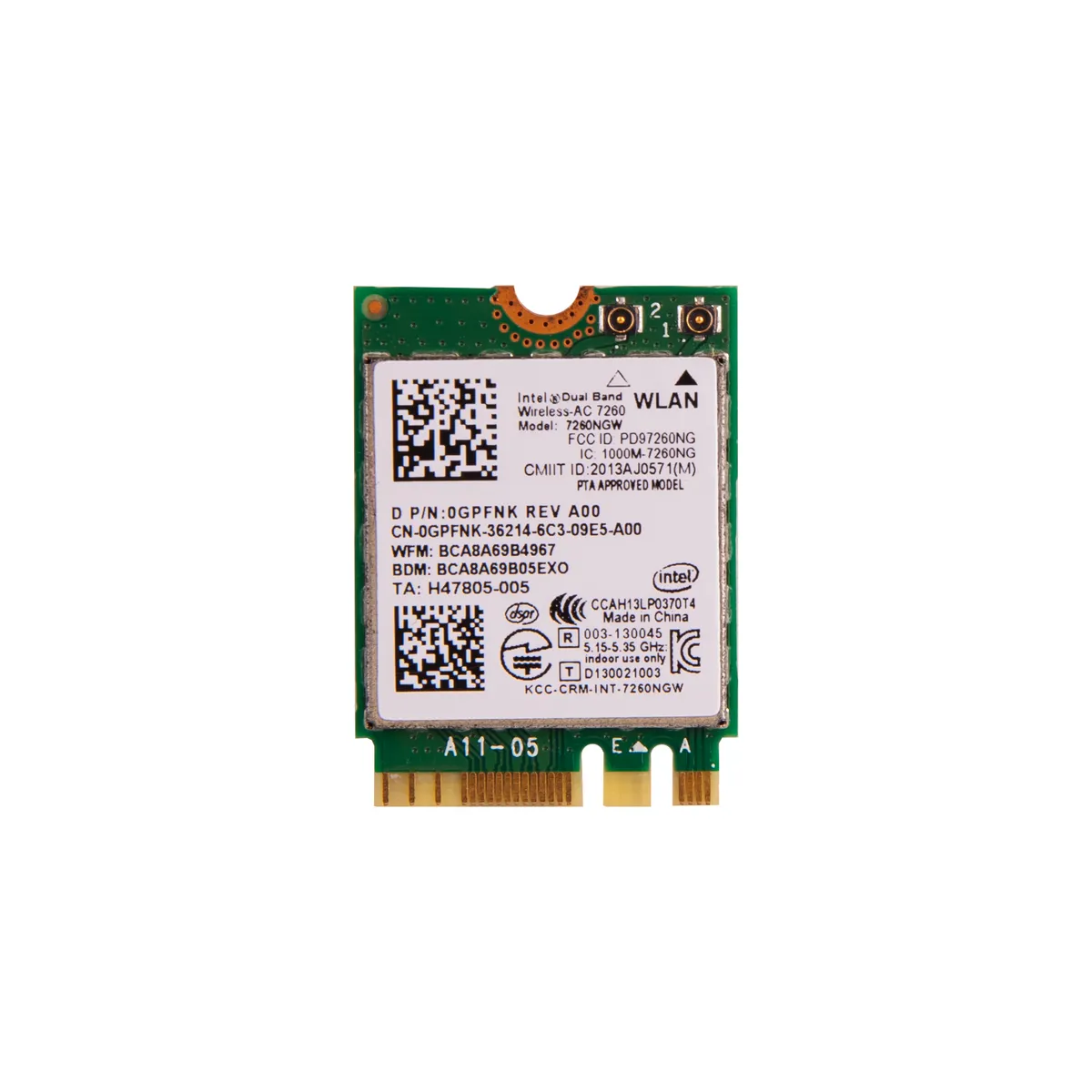
- PCIe WiFi 5 + Bluetooth 4.0 — ₹1,099. An internal card with a real antenna: stronger signal than any nano USB stick, plus Bluetooth for keyboards, mice and speakers. The value pick for a desktop that lives far from the router.
- PCIe WiFi 6 + Bluetooth 5.2 — ₹2,899. Current-generation speed and congestion handling for busy households and offices with many devices on one router.
- WiFi 6E — ₹3,499. Adds the clean 6GHz band — worth it when the 2.4/5GHz air around you is crowded (apartments, dense offices) and your router speaks 6E.
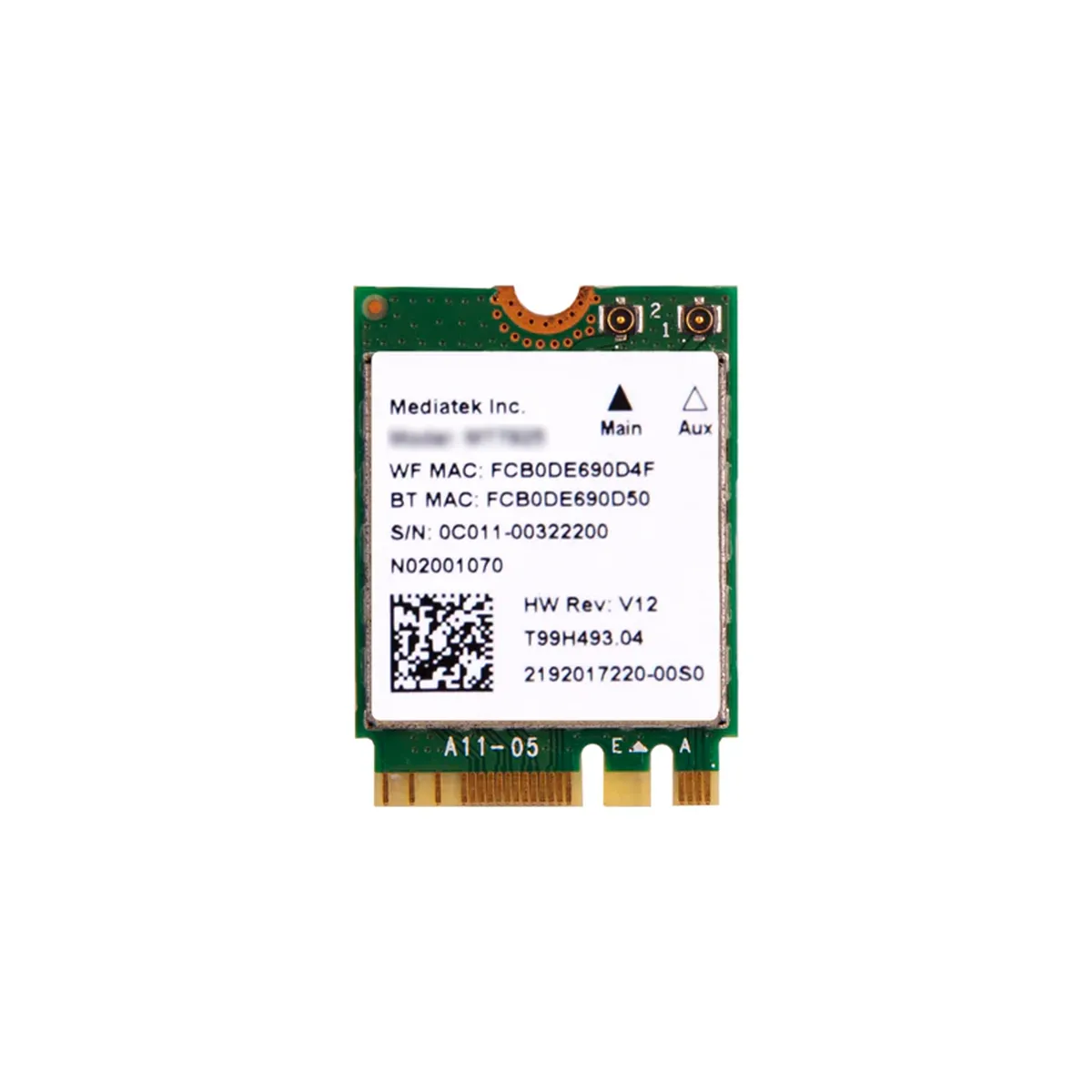
- WiFi 7 + Bluetooth 5.3 — ₹5,199. The MT7925 class for new high-end builds: future-proof wireless that will outlive the rest of the tower. Buy it with a new PC, not as a retrofit to an old one.
USB stick or PCIe card — the honest line
USB adapters win on convenience: no opening the cabinet, movable between machines. PCIe cards win on everything else — signal strength through walls, sustained speed, and built-in Bluetooth. If the desktop sits in a different room from the router, the PCIe card's external antennas are the difference between three bars and buffering. One caveat: a PCIe card needs a free slot, and its antennas screw on at the back of the tower.
The third option: a WiFi-ready motherboard
Upgrading an old PC anyway? The H61 to H510 NVMe + WiFi boards ship with wireless built in — one purchase covers the board, WiFi and Bluetooth, and keeps the PCIe slot free. It's the cleanest path when the motherboard is being replaced regardless.
Before you buy
- Match your router's generation — a WiFi 6 card on a WiFi 4 router runs at the router's speed. Upgrade the slower end first.
- Check the band — dual-band (2.4 + 5GHz) is the floor in 2026; single-band 2.4GHz belongs to the past.
- Antenna placement — towers under metal desks choke reception; an antenna extension base (₹999) lifts the antennas into clear air.
- Driver support — Windows 10/11 drivers ship in the box or a QR download; keep the disc for offline installs.
The POWERX wireless range runs USB sticks to WiFi 7 — genuine chipsets with a GST invoice and warranty from five branches across India: Bengaluru, Mumbai, Vashi, Pune and Hyderabad. Rolling out a lab or office? Bulk pricing covers adapters by the dozen.
The parts this guide talks about.
Still deciding?
Ask the people who build them.
Tell us what the PC is for and your budget. We help you pick the right parts.