SSD vs HDD in 2026: Which Should You Actually Buy?
The honest trade-offs between SSDs and hard drives for Indian desktops — speed, price per GB, reliability, and the hybrid setup that wins.
13 August 2026 · POWERX Team
The SSD-versus-HDD question has a clear 2026 answer, but it isn't "SSDs won, hard drives are dead." It's "SSDs won the system drive, and hard drives still win one specific job." Here's the honest comparison.
Speed — not close
A SATA SSD reads around 550 MB/s; an NVMe SSD reads 2,000–7,000 MB/s; a desktop hard drive manages 100–180 MB/s and, worse, takes milliseconds to find each file while an SSD takes microseconds. In practice: a Windows boot that takes 45–90 seconds from a hard drive takes 10–15 from an SSD. Apps open before you finish the click. This is the single biggest upgrade an older desktop can get — bigger than more RAM in most machines.
Price per GB — hard drives still win big capacity
In India, SSD prices have fallen to where 512GB–1TB SSDs are impulse-purchase territory, but per-gigabyte a 2TB+ hard drive is still roughly a third of the cost. If you store years of photos, video projects or CCTV footage, that gap matters.
Reliability — different failure styles
Hard drives have motors and heads; drops, power cuts and plain age kill them mechanically, usually with warning noises. SSDs have no moving parts — they shrug off knocks and power fluctuation, which counts for a lot on Indian mains — but their flash wears with writes, and they fail quietly. Whichever you run: back up, and check your SSD's health twice a year.
The setup that actually wins
For a desktop with room for two drives, the answer isn't either/or:
- System drive: a 512GB NVMe SSD for Windows, apps and current work. This is where speed lives.
- Storage drive: keep your existing hard drive (or add a big one) for archives, media and backups.
Laptops and compact PCs with one slot: take the SSD, buy the capacity you'll need in two years, and use an external drive for archives.
Which SSD type fits your machine?
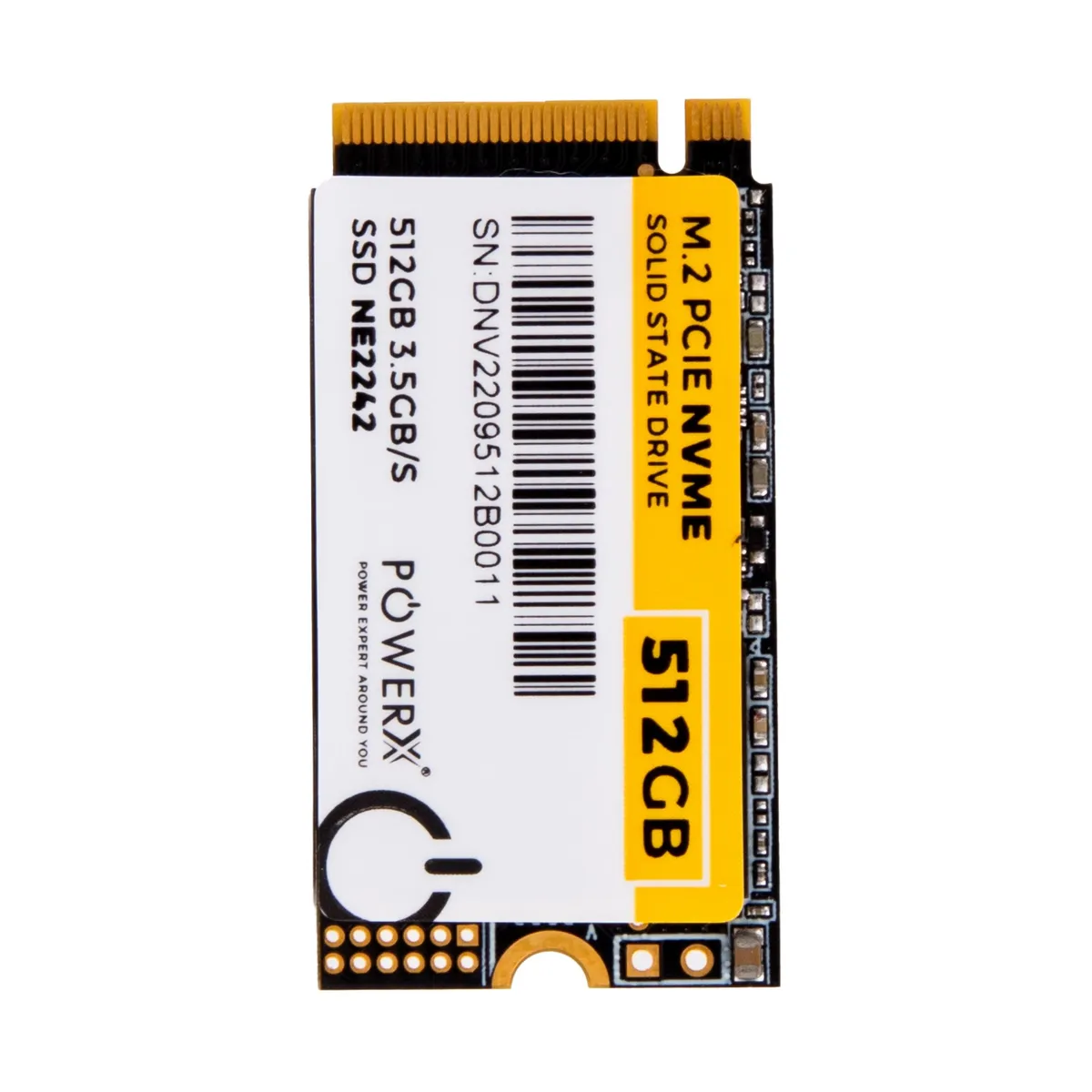
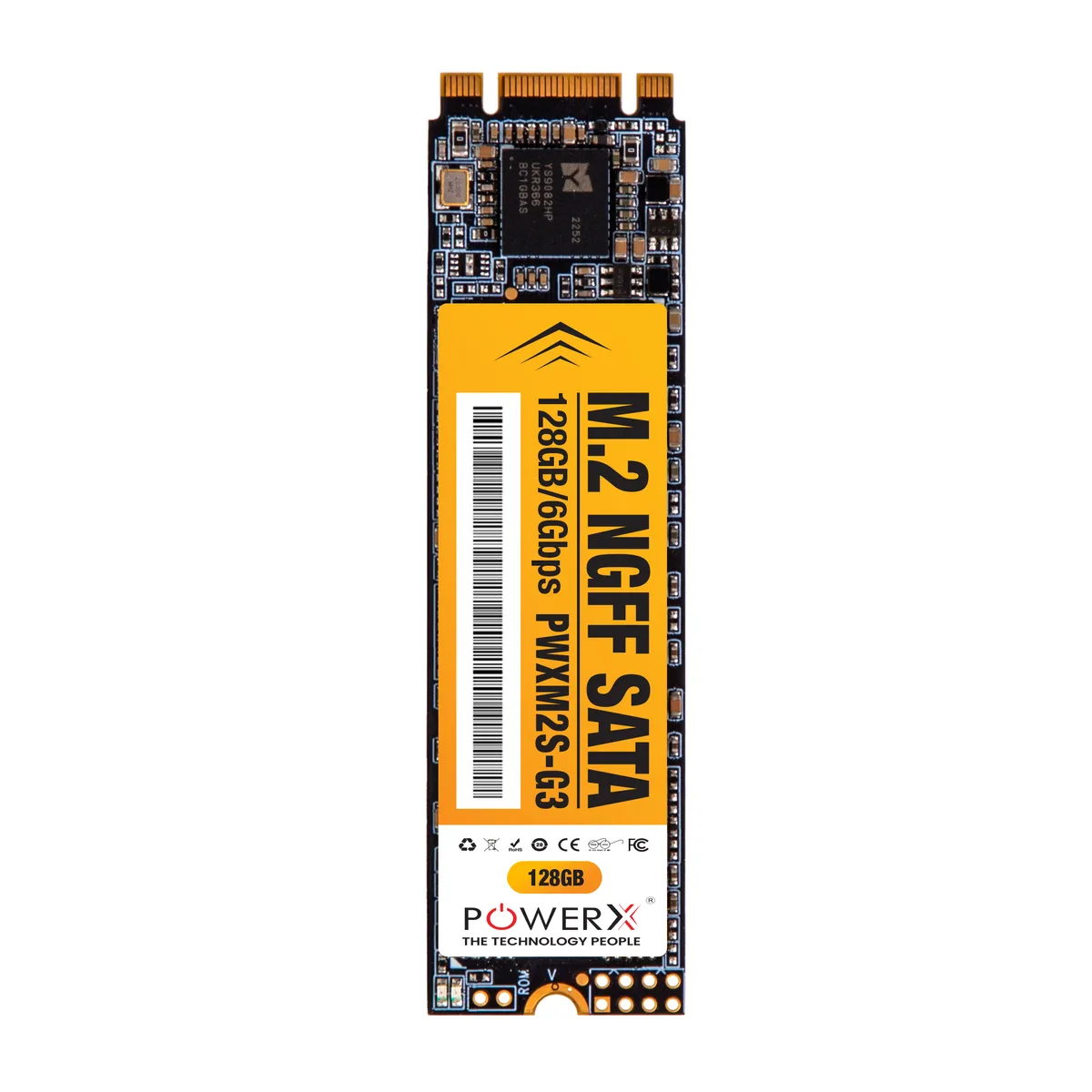
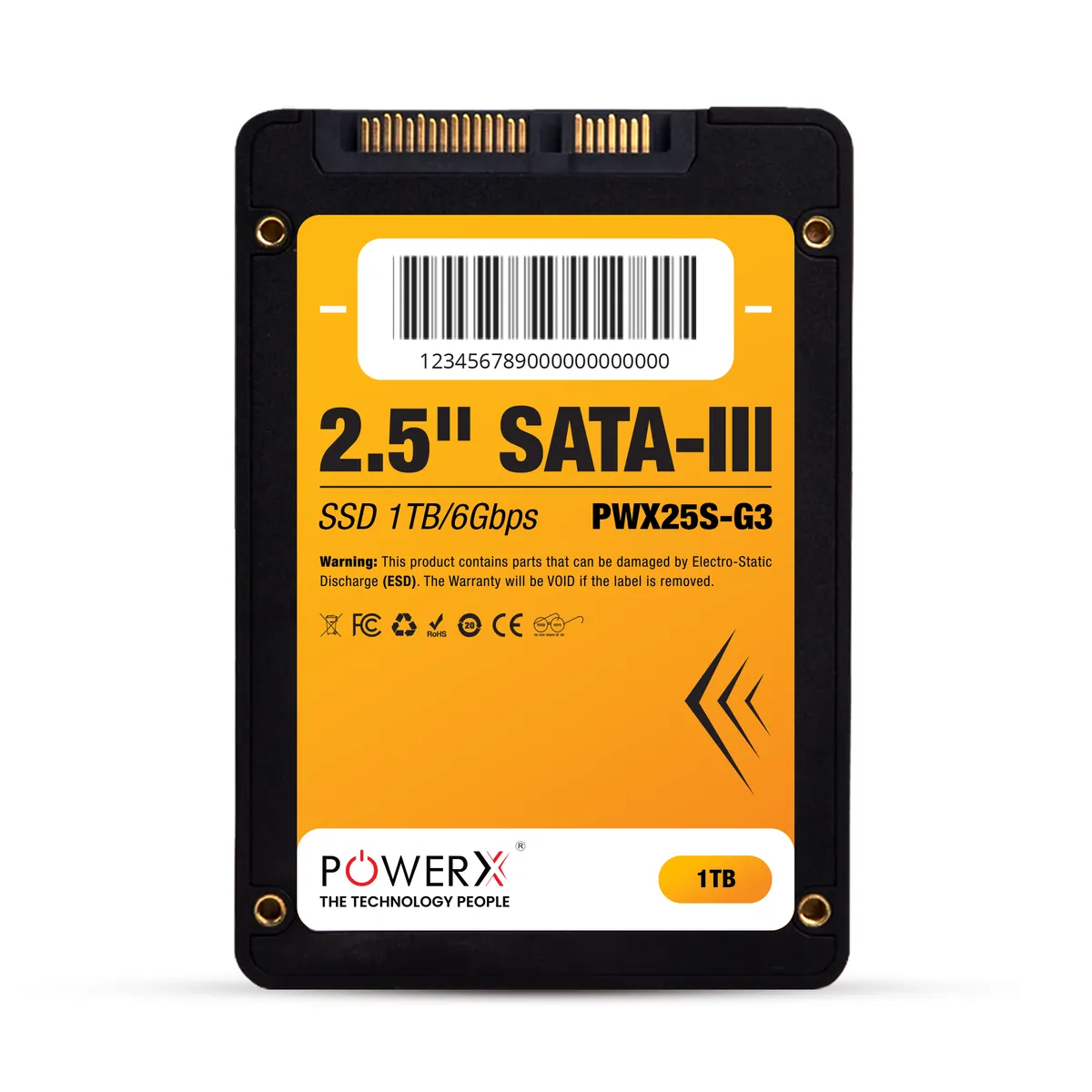
Check what your board accepts before buying: 2.5" SATA fits nearly everything back to a decade old; M.2 NGFF (SATA) fits M.2 slots on older boards; M.2 NVMe needs an NVMe-capable M.2 slot and is the fastest by far. PowerX motherboards from the H310 generation up carry NVMe slots — and if you're unsure what your machine takes, our support desk answers that from your model number before you pay.
Decided on solid state? Compare SSD prices from 128GB to 2TB - NVMe M.2 and SATA, GST invoice, delivered across India.
PowerX picks
The parts this guide talks about.
 -28%
-28%PX06SSD52
POWERX 512GB GEN-3 2242 M.2 PCIe NVMe - NE2242
 -14%
-14%PX06SSD10
POWERX 128GB M.2 Ngff 2280 - PWXM2SG3
 -16%
-16%PX06SSD07