How to Check SSD Health in Windows — and When to Replace It
Three ways to read your SSD’s real condition in Windows, what the numbers mean, and the warning signs that say replace it now.
13 August 2026 · POWERX Team
SSDs fail differently from hard drives: quietly, and often suddenly. The good news is that every SSD keeps an honest diary of its own condition — you just have to read it. Here are three ways to do that in Windows, from fastest to most detailed.
1. The one-line check: WMIC
Open Command Prompt and run:
wmic diskdrive get model,status
Every drive should report OK. Anything else — "Pred Fail" especially — means the drive itself is predicting failure and you should copy your data off it today, not this weekend.
2. Windows' built-in drive tools
Search for "Defragment and Optimize Drives" from the Start menu. The Optimize Drives window lists each drive's health as Windows sees it. For NVMe SSDs, Windows 10 and 11 also surface wear data under Settings → System → Storage → Disks & volumes → Properties, where "Estimated remaining life" is exactly what it sounds like.
3. S.M.A.R.T. tools — the full picture
Free utilities such as CrystalDiskInfo read the drive's S.M.A.R.T. data directly and turn it into a plain verdict: Good, Caution, or Bad. Three numbers matter most:
- Percentage Used / Life Remaining — SSD flash wears out with writes. Below 10% remaining, plan the replacement.
- Reallocated / Bad Blocks — a handful is normal over years; a rising count over weeks is not.
- Temperature — sustained operation above 70°C shortens flash life. In Indian summers a cramped, unventilated cabinet does more damage to an SSD than age does.
The warning signs that don't need a tool
File copies that stall at the same percentage, a machine that freezes for seconds at a time, folders that turn read-only, or a BIOS that sometimes doesn't see the drive — any of these on an older SSD is the drive telling you it's done. Back up first, diagnose second.
When replacement makes more sense than worry
A 512GB or 1TB SSD now costs less than the data-recovery quote you'd get after a failure. If your drive shows caution signs — or it's a 5-year-old SATA drive doing daily work — moving to a fresh NVMe drive gets you both safety and a real speed jump: NVMe reads at 4–7× SATA speed on the same money.
Every PowerX SSD ships with a GST invoice and warranty served from five branches across India — Bengaluru, Mumbai, Vashi, Pune and Hyderabad — so a claim is a courier away, not a call-centre queue.
Drive on its way out? See the live SSD price list - 128GB to 2TB, NVMe and SATA, with GST invoice and delivery across India.
PowerX picks
The parts this guide talks about.
 -21%
-21%PX06SSD54
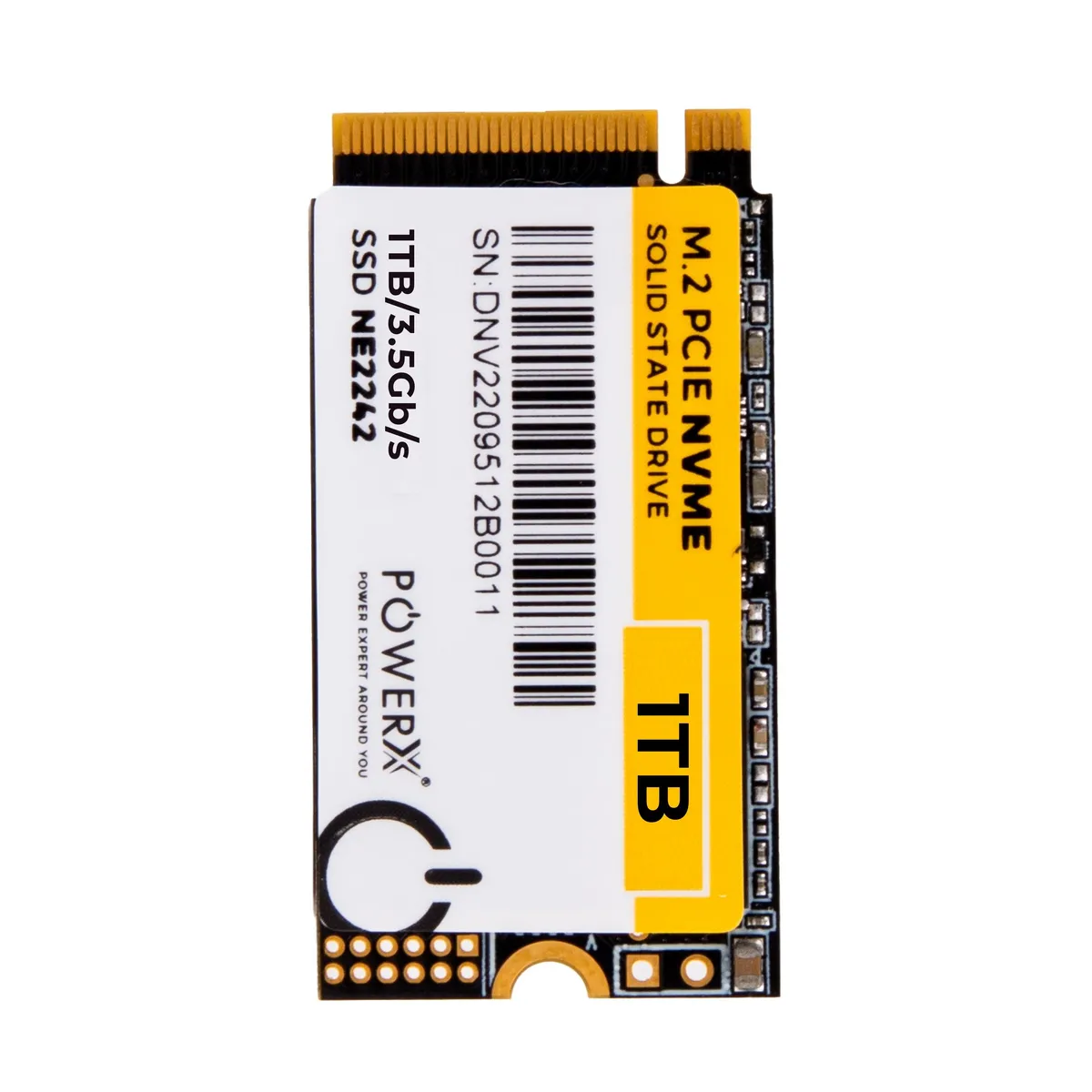
POWERX 1TB GEN-3 2242 M.2 PCIe NVMe - NE2242
 -28%
-28%PX06SSD52
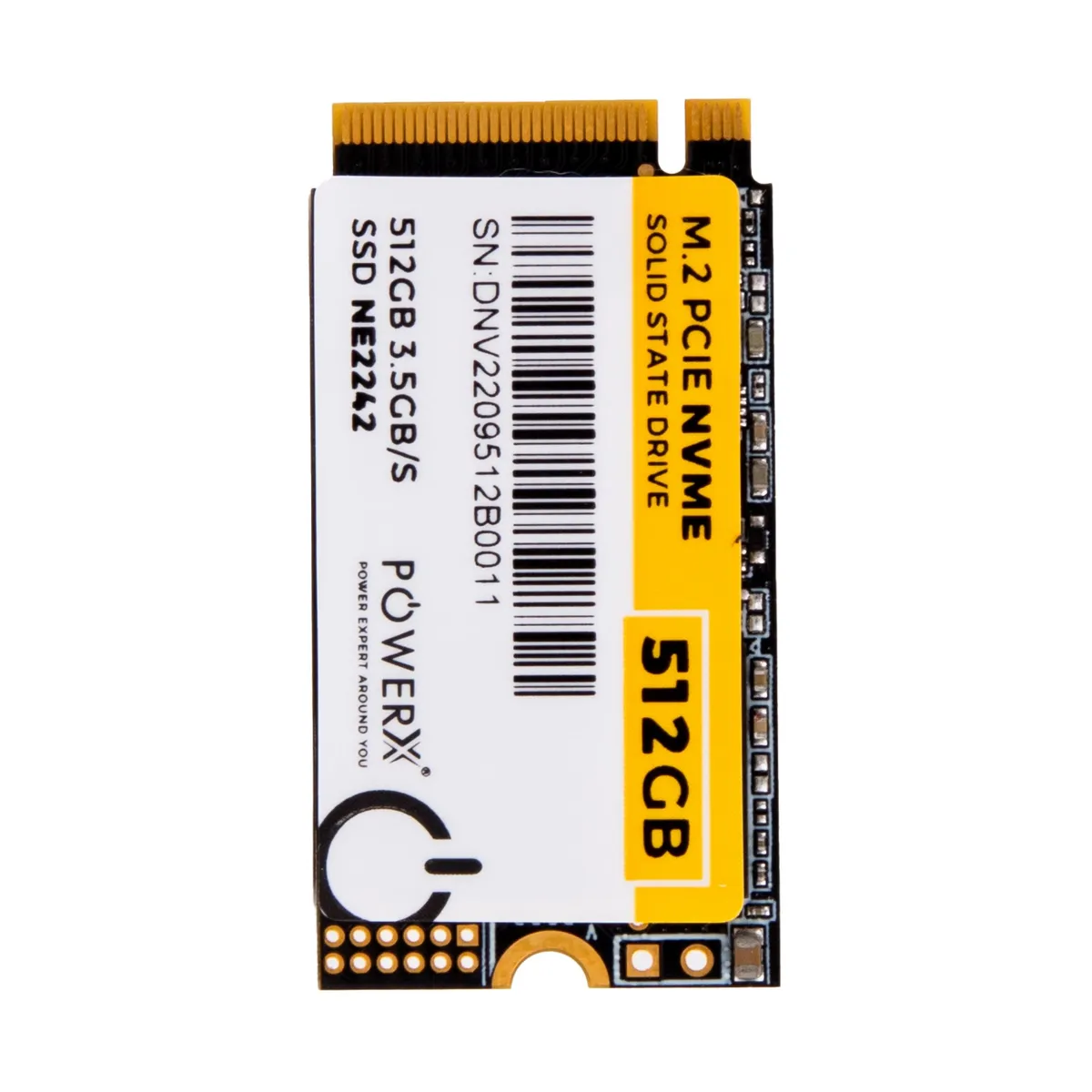
POWERX 512GB GEN-3 2242 M.2 PCIe NVMe - NE2242
 -16%
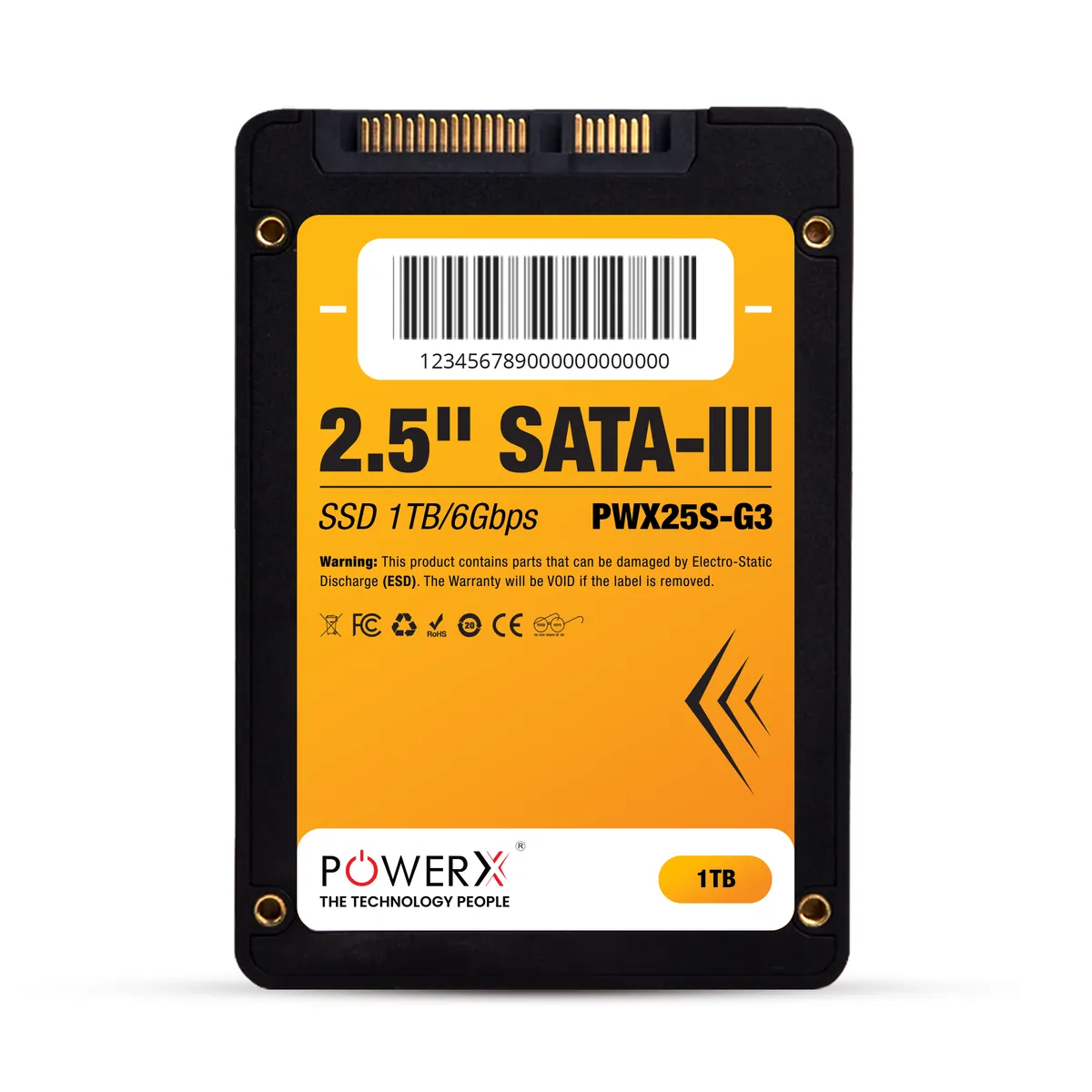
-16%PX06SSD07