DDR3 vs DDR4 vs DDR5: The Practical RAM Upgrade Guide
Which RAM generation your PC takes, how much memory actually helps, and the mistakes that stop a stick from working.
13 August 2026 · POWERX Team
RAM generations are not interchangeable — a DDR4 stick physically will not fit a DDR3 slot. So a RAM upgrade starts with one question: what does your board take? Here's how to answer it, and what to buy once you know.
Find your RAM type in 30 seconds
Open Task Manager (Ctrl+Shift+Esc) → Performance → Memory. The top right shows your current type and speed — "DDR4 2666MHz", say — and the number of slots used. That's the generation you must buy. On a desktop you can also check the motherboard model: H61 and H81 boards are DDR3, H110 through H510 are DDR4, and the newest platforms are DDR5.
What each generation means in practice
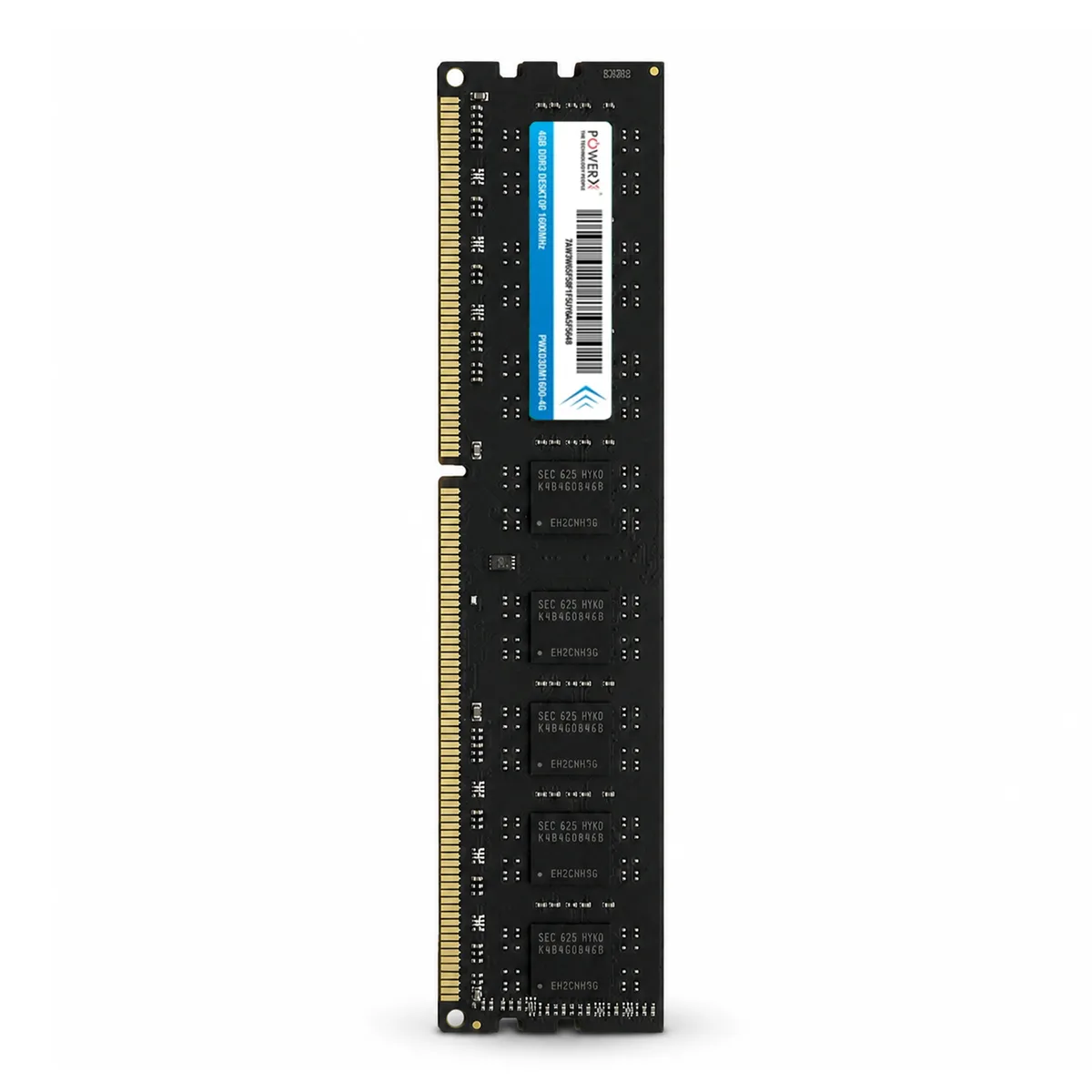
- DDR3 (2007–2016 era): 1333/1600MHz. Boards max out at 8–16GB. Still perfectly serviceable for office work and browsing — and DDR3 sticks are the cheapest path to reviving an older desktop.
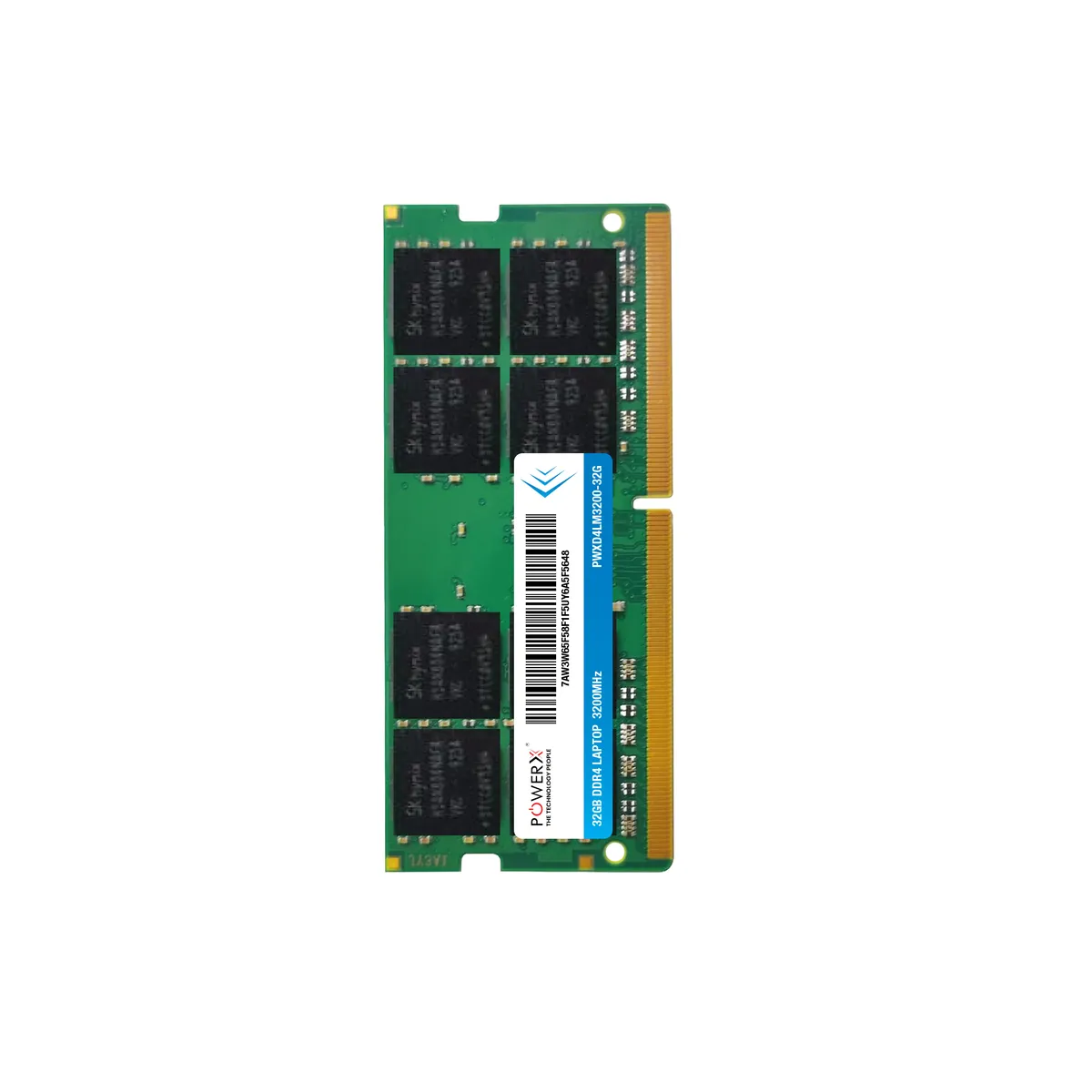
- DDR4 (2016–2023 era): 2133–3200MHz. The mainstream today; most desktops and laptops in Indian homes and offices are DDR4. 8GB is the working minimum, 16GB the comfortable spot.
- DDR5 (current): 4800MHz+. Only for the newest platforms; buy it because your new board demands it, not as an upgrade to an old machine.
How much RAM actually helps
Going from 4GB to 8GB transforms a slow Windows machine. From 8GB to 16GB helps heavy browser use, office multitasking and gaming. Beyond 16GB you need a reason — video editing, virtual machines, large datasets. More RAM than your work uses does nothing; a faster SSD usually helps more (see SSD vs HDD).
Desktop vs laptop sticks
Desktops take full-length UDIMM sticks; laptops and mini-PCs take short SO-DIMM sticks. Same generations, different sizes — a listing will always say which it is. Check before ordering; it's the most common RAM-buying mistake.
The rules that prevent dead-stick surprises
- Match the generation to the board. Non-negotiable, as above.
- Speed auto-negotiates down. A 3200MHz stick in a 2666MHz board runs at 2666 — it works, you just don't pay for speed you can't use.
- Pairs beat singles. Two 8GB sticks in dual channel outperform one 16GB stick on most boards.
- Check the board's maximum. An H61 board caps at 16GB total; no stick changes that.
PowerX stocks desktop and laptop RAM across DDR3, DDR4 and DDR5, each listing marked with generation, speed and form factor — and support will confirm compatibility from your machine's model number before you pay. GST invoice with every order.
Know your generation? See current DDR3, DDR4 and DDR5 RAM prices - 4GB to 32GB, GST invoice, delivered across India.