How to Choose a PC Cabinet: The 5 Numbers That Matter
GPU clearance, cooler height, fan mounts, motherboard fit and airflow — the five specs that decide whether a cabinet works for your build.
13 August 2026 · POWERX Team
A PC cabinet looks like a style decision, but it's really five measurements. Get them right and any build goes smoothly; get one wrong and the graphics card physically doesn't fit. Here's the checklist, in the order that kills most builds.
1. Motherboard form factor
Cabinets list what boards they take: ATX (full size, 305×244mm), Micro-ATX (244×244mm) and ITX (170×170mm). A case that takes ATX takes the smaller ones too. Buying for an existing board? Match its size — a Micro-ATX office board is happy in almost anything.
2. GPU clearance — the build-killer
Modern graphics cards run 240–340mm long. Every proper cabinet lists its maximum: a compact 15-litre case might clear 280mm, a full tower 410mm. Check your card's length on its spec sheet against the cabinet's number, and leave 10–15mm spare for power cables.
3. CPU cooler height
Tower air coolers run 150–170mm tall. A slim cabinet that clears only 120mm limits you to low-profile coolers or the stock fan. If you plan a 240mm or 360mm liquid cooler instead, the cabinet must list a radiator mount of that size — usually on the top or front.
4. Fan mounts — airflow is a path, not a count
Air needs a route: in at the front or bottom, out at the rear or top. A cabinet with a mesh front and 5–8 fan mounts lets you build that path; a sealed front with one rear mount doesn't, whatever the RGB looks like. In Indian ambient temperatures airflow is the difference between a GPU that boosts and one that throttles — prefer mesh fronts, and check how many fans ship included versus empty mounts.
5. Drive bays and the practical bits
Count your storage: most modern cabinets take 2–4 SSDs and 1–3 hard drives. Then the quality-of-life items — front USB-C if your board supports it, dust filters you can rinse, cable-routing space behind the motherboard tray, and a PSU shroud that hides the mess.
Matching size to use
- Office / home desktop: compact Micro-ATX case, one included fan, done.
- Gaming build: mesh front, 280mm+ GPU clearance, 160mm+ cooler height, four or more fan mounts.
- Creator / high-end: full tower, 360mm radiator support, 400mm GPU clearance.
Every PowerX cabinet page lists all five numbers in its specification sheet — GPU clearance, cooler height, radiator support, fan mounts and included fans — so the checklist above takes about a minute per case. Factory-direct pricing, GST invoice, and RMA desks in five cities.
Numbers checked? Browse ATX cabinet prices - compact to full RGB towers, GST invoice, delivered across India.
PowerX picks
The parts this guide talks about.
 -33%
-33%PX07ATX37
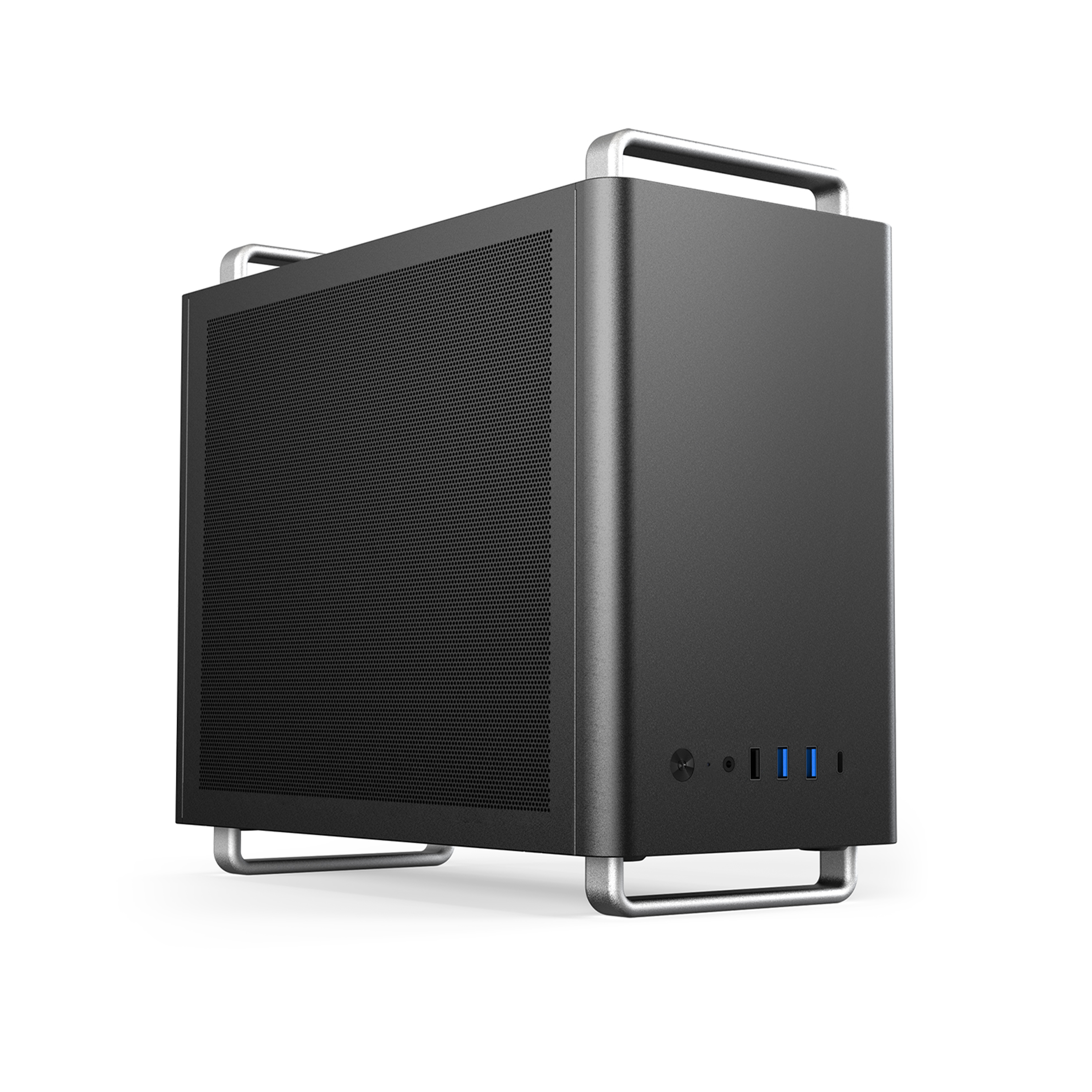
POWERX U320 Ultra Cabinet Black
 -30%
-30%PX07ATX32
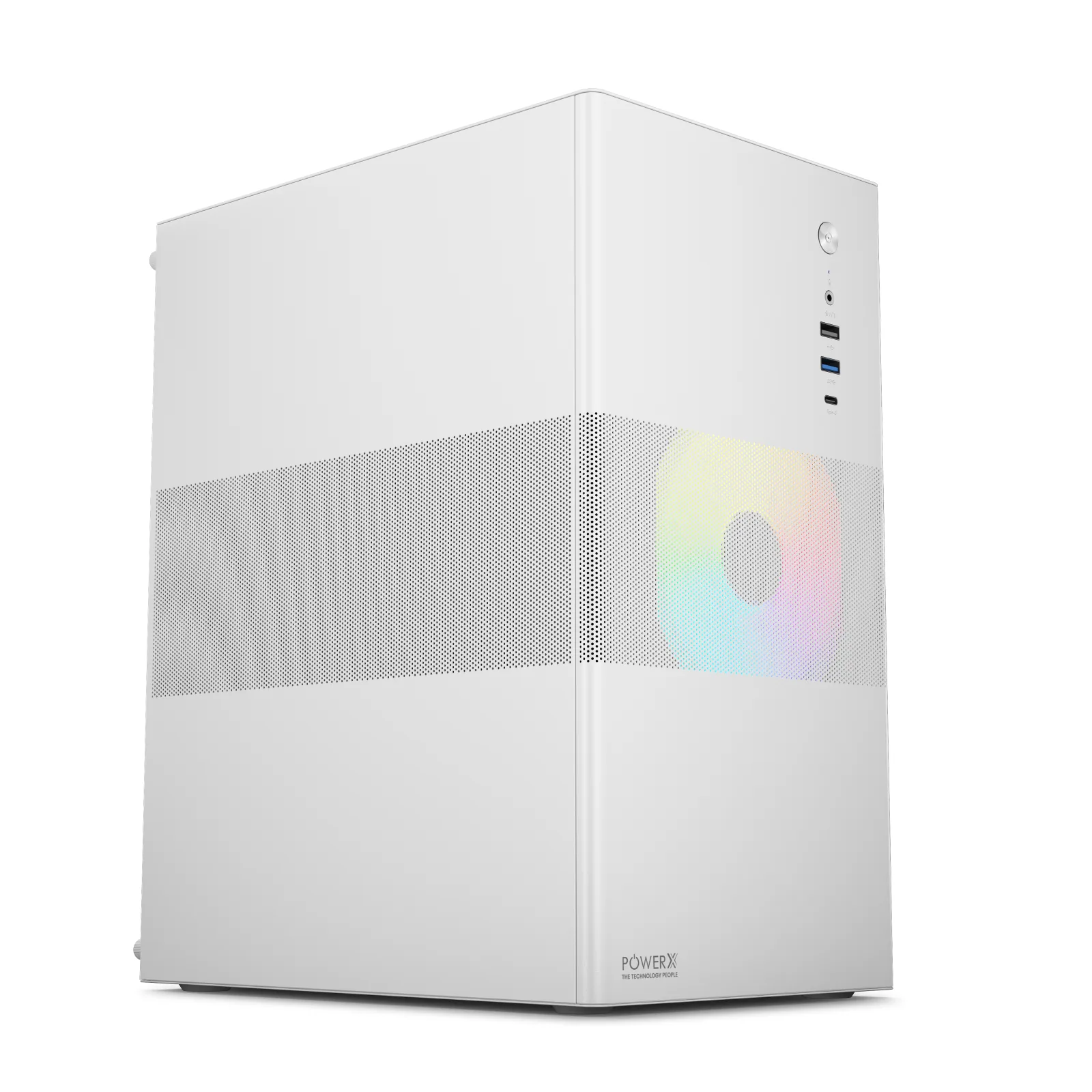
POWERX P300 Extreme Cabinet White
 -31%
-31%PX07ATX39