Gaming PC Under ₹50,000 in India: What You Can Actually Get in 2026
The honest answer to what ₹50,000 buys — which games it runs, the base-plus-GPU route that fits the budget, and when it's worth stretching.
14 August 2026 · POWERX Team
Search "gaming PC under ₹50,000" and you'll find two kinds of answers: parts lists that quietly assume you already own half the machine, and prebuilts where the "gaming" is mostly the RGB. Here's the honest version — what this budget really buys in India in 2026, and the cleanest way to spend it.
What ₹50,000 actually plays
At this budget you are building an esports and 1080p machine. Valorant, CS2, Dota 2, Rocket League and BGMI emulation all run comfortably at high frame rates. GTA V, FIFA and older AAA titles run well at 1080p on medium settings. What this budget does not buy is ray tracing or new AAA releases at ultra — anyone promising that under ₹50,000 is cutting a corner you'll find later, usually in the power supply or a fake-wattage cabinet bundle.
The smart route: a strong base, then the GPU
The best value under ₹50,000 is not a "gaming" sticker — it's a properly built desktop with a genuine motherboard, branded RAM, an NVMe SSD and a power supply that can honestly feed a graphics card, plus an entry GPU to start. Two ways to get there:
Option 1 — assembled and tested, delivered ready
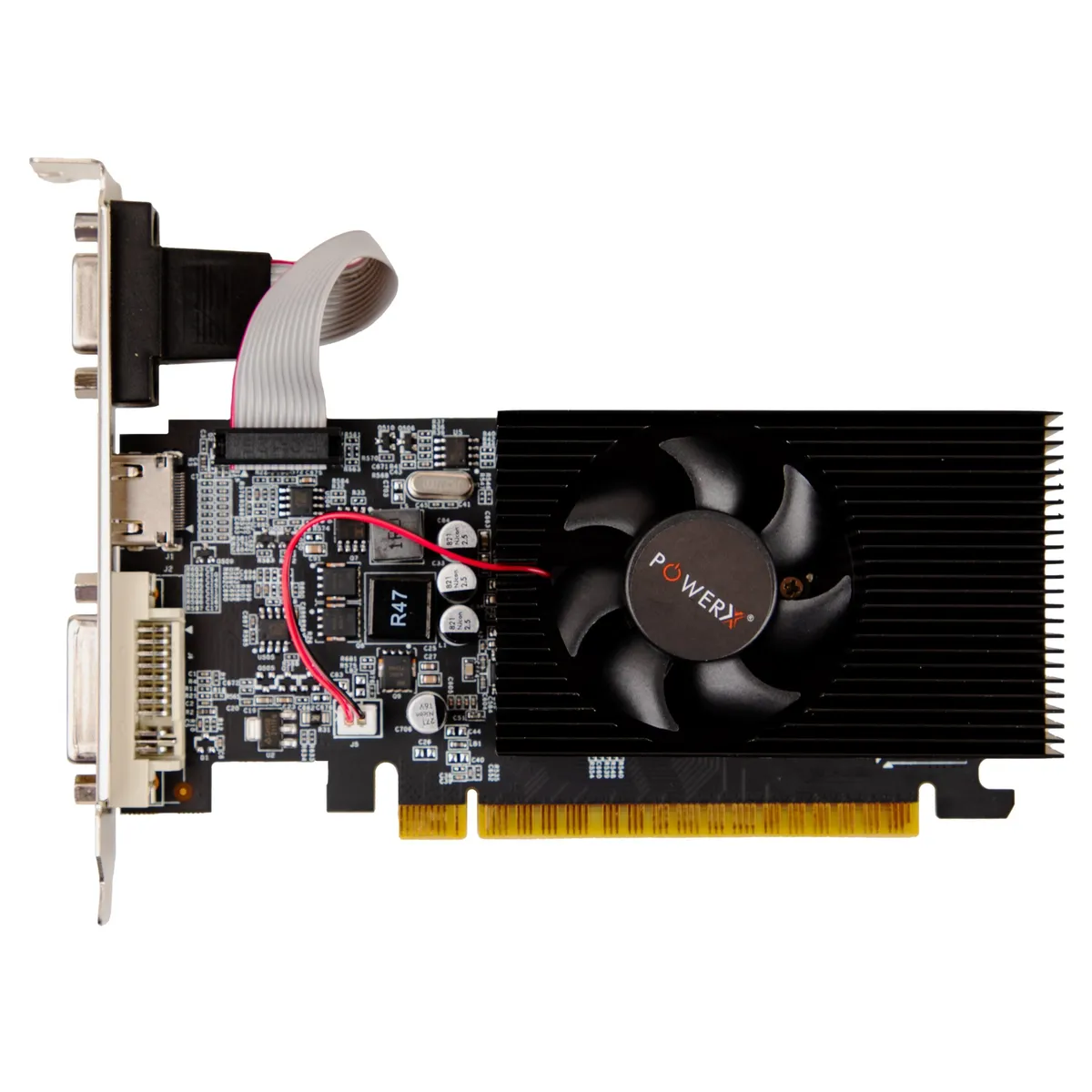
A POWERX V100-class desktop with an Intel Core i5, 8GB of RAM and a 512GB NVMe SSD lands around ₹43,000 with a GST invoice and a 3-year warranty. Add a GT730 4GB card at under ₹7,000 and you have a complete, burned-in machine at the ₹50,000 line that handles every esports title and 1080p gaming without drama. When there's more budget later, the same base takes a bigger GPU and a RAM upgrade without touching anything else — that upgrade path is the point.
Option 2 — pick the parts yourself
If you'd rather choose each component, the POWERX PC builder walks the same checklist we use on the bench: cabinet, SMPS, motherboard, RAM, NVMe SSD, then the graphics card. Building this way teaches you the machine and shaves a little cost; the trade is your time and your own assembly. Either way, don't economise on the SMPS — a cheap power supply is the single most common killer of budget gaming builds we see in service.
When stretching makes sense
If you can reach ₹60,000–65,000, an i7 base with 16GB RAM (like the U500-class performance desktops) plus a GT560-class DDR5 card changes the experience — smoother 1080p-high in heavier titles and far more headroom for the GPU you'll add in a year. If the real goal is modern AAA gaming at high settings, plan for the dedicated gaming tier instead of forcing it into ₹50,000 — a stretched budget buys a machine you keep; a forced one buys a machine you replace.
The checklist before you pay anyone
- NVMe SSD, not a hard drive — the single biggest difference in how fast the PC feels.
- A real SMPS — rated wattage on the label, not the box art.
- Upgrade room — a spare RAM slot and a PCIe x16 slot that isn't blocked.
- GST invoice and warranty in writing — a local-market cash build has neither.
Every POWERX desktop ships assembled, tested and burned-in, with a GST invoice and warranty served from five branches across India — Bengaluru, Mumbai, Vashi, Pune and Hyderabad. The machines below are the exact configurations this guide is built around.
PowerX picks